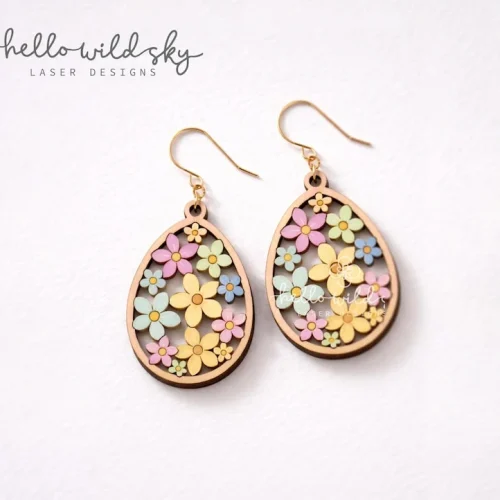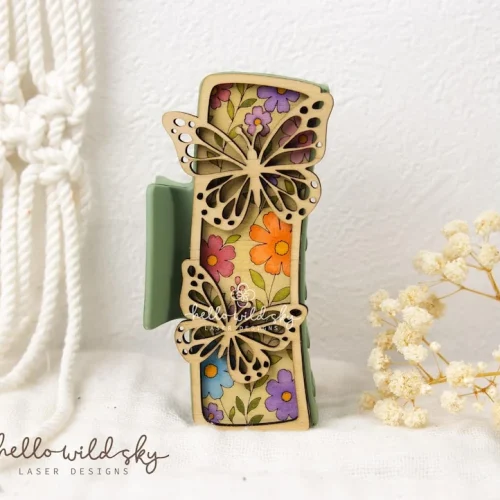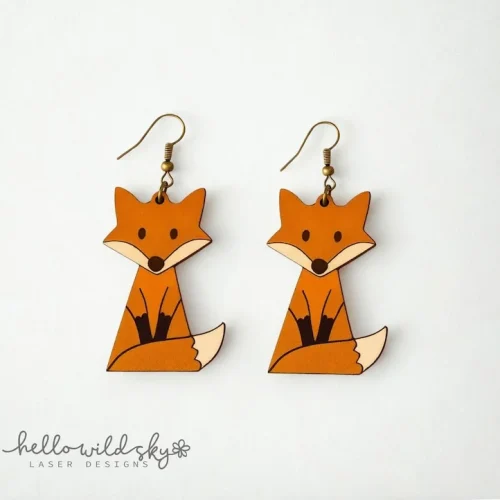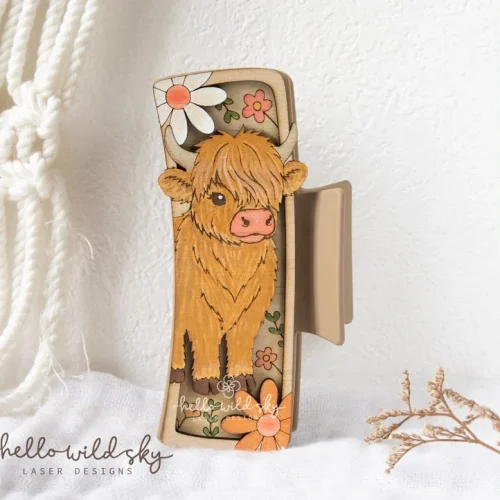
Not sure whether to grab the SVG, DXF, or EPS version of a design? Each format does one job well and struggles at the others. Here’s how to tell them apart in ten seconds and pick right the first time.
SVG — for Cricut, Silhouette, and most home cutters
What it is: a vector file most home craft cutters read natively. Scalable to any size with zero quality loss.
Use it for: Cricut Design Space, Silhouette Studio, Glowforge, most hobby laser cutters under $1000.
Watch for: some older cutter software only accepts SVG 1.1 — if your app throws an error on import, look for an “SVG 1.1” or “simple SVG” export option in your design software before giving up on the file.
DXF — for CNC routers and precision laser systems
What it is: the standard exchange format for CAD/CAM software. Encodes pure geometry — no fill colors, no styling, just cut paths.
Use it for: CNC routers, industrial and semi-pro laser cutters (Trotec, Epilog, xTool), any software built around toolpaths rather than artwork.
Watch for: DXF has multiple internal versions (R12, R14, 2000+). Most modern software reads all of them, but if an import fails silently, that’s usually why.
EPS — for professional print and engraving shops
What it is: a PostScript-based vector format that’s been the print-industry standard for decades. Opens cleanly in Illustrator, CorelDRAW, and most engraving-shop software.
Use it for: sending a file to a local laser-cutting service or engraver who asks for “print-ready vector art.”
Watch for: EPS files can carry embedded fonts and effects that don’t survive a re-export — if a shop asks you to “outline the text first,” that’s this format’s most common gotcha.
PDF — for previewing and for shops with no other option
What it is: included mainly so you can open the design in any PDF viewer to check scale and layout before cutting anything. Some shops accept it directly.
Use it for: a quick look at proportions on your phone or laptop before committing material to the cutter.
Quick decision guide
- Have a Cricut or Silhouette at home? Use the SVG.
- Running a CNC router or a laser under your own control? Use the DXF.
- Sending the file out to a print/engraving shop? Ask them which they prefer, then send EPS if unsure.
- Just want to see what you’re getting before buying material? Open the PDF first.
Every HelloWildSky design ships with all four formats zipped together, so you’re never locked out of a format your machine needs later.